
AI can be useful inside a South African business long before it becomes risky. It can summarise enquiries, draft replies, chase missing documents, prepare reports, flag stuck work, and help staff respond faster.
The danger starts when a business treats AI like a magic box with unlimited access and no rules.
A POPIA-safe AI workflow in South Africa is not about avoiding AI completely. It is about designing AI work with clear boundaries: what information it can use, what it can do, what it must never do, when it must ask for approval, and who is responsible for the outcome.
This guide is written for owners and managers who want practical AI help without damaging customer trust, staff confidence, or compliance discipline.
Start with the job, not the AI tool
The first question should not be “which model are we using?” The first question should be “what job are we asking AI to do?”
A safe workflow has a narrow job description. For example:
- summarise new website enquiries for the sales team
- draft a first response for human review
- chase missing onboarding documents
- classify support tickets by topic and urgency
- prepare a weekly management summary from approved data
- remind a staff member when a handoff is stuck
Those are different from uncontrolled tasks such as:
- giving legal or financial advice
- approving credit or insurance decisions
- changing client records without review
- sending sensitive responses without approval
- making employment-related recommendations without human oversight
BizSage normally frames this as workflow automation South Africa work because the workflow design matters more than the AI label.
Know what personal information is involved
POPIA discipline starts with a simple map of the information flowing through the process.
For each candidate AI workflow, identify:
- what personal information enters the workflow
- where that information comes from
- why the AI needs it
- whether the AI needs the full detail or only a summary
- where outputs are stored
- who can view the outputs
- how long information should be retained
- which systems already hold the source of truth
A real estate agency, for example, may deal with buyer details, seller details, landlord information, tenant documents, ID numbers, proof of income, and maintenance requests. A law firm may deal with matter details, client instructions, supporting documents, and confidential correspondence.
Not every AI employee needs access to everything. An AI admin assistant that chases missing documents may only need names, matter or client references, missing-item lists, due dates, and approved message templates. It does not always need full access to the underlying confidential file.
Use minimum necessary access
A practical rule for safe AI automation is: give the AI the minimum information and permissions required to do the job well.
That may mean:
- using summaries instead of full documents
- limiting access to one inbox label or folder
- allowing draft creation but not sending
- allowing read-only CRM access at first
- using approved templates for recurring messages
- excluding sensitive fields unless there is a strong reason
- keeping final updates inside the system of record
This protects the business in two ways. It reduces compliance exposure, and it makes the workflow easier to understand. Staff are more likely to trust an AI employee when they know exactly what it can and cannot see.
Put sensitive actions behind human approval
Human approval is not a weakness. It is how established businesses use AI responsibly.
A good human-in-the-loop design separates low-risk assistance from high-risk decisions.
AI can often help with:
- drafting replies
- summarising long threads
- extracting action items
- preparing a status update
- classifying a request
- checking whether required documents are missing
- suggesting the next internal task
A human should approve:
- messages with legal, financial, medical, or contractual implications
- responses to angry or vulnerable customers
- refunds, credits, cancellations, or settlement offers
- changes to important client records
- advice, recommendations, or final decisions
- anything that could affect someone’s rights, money, reputation, or access to a service
BizSage’s AI implementation partner South Africa approach is built around this principle: the AI employee handles repetitive work, but responsible humans stay in control of sensitive judgement.
Create escalation rules before launch
Escalation rules tell the AI when to stop and call a person.
Examples include:
- “If the customer mentions a complaint, escalate to the operations manager.”
- “If the message contains legal threats, do not reply. Draft a summary for the owner.”
- “If the tenant reports a safety issue, flag urgent maintenance and notify the property manager.”
- “If the lead asks for pricing outside approved ranges, route to sales.”
- “If confidence is low, ask for human review instead of guessing.”
Escalation rules protect the customer experience. They also protect the team from the false confidence that can come from automated replies.
A useful AI employee should know when not to act.
Keep approved knowledge sources separate from guesses
Many AI failures happen because the system is allowed to answer from general knowledge when it should answer from company knowledge.
For business workflows, approved knowledge sources may include:
- FAQ documents
- service descriptions
- pricing rules
- policy documents
- onboarding checklists
- CRM fields
- helpdesk articles
- approved email templates
- standard operating procedures
The AI should be instructed to use those sources first, and to escalate when the answer is not available.
This is especially important for customer-facing workflows. A support assistant that invents a policy can create more work than it saves. A sales assistant that overpromises can damage trust before the first meeting.
Keep logs and review failures
Safe AI automation is not a once-off build. It needs review.
The business should be able to inspect:
- what the AI received
- what it drafted or recommended
- whether a human approved it
- where it escalated
- where it failed
- what knowledge source was missing
- what should be improved next month
This is one reason managed implementation matters. A workflow that is monitored can improve. A workflow that is abandoned after launch becomes operational debt.
For established SMEs, monthly review is often enough at the start. Look at common questions, incorrect drafts, unnecessary escalations, missing data, and staff feedback. Then update the workflow rules and knowledge base.
Choose safer first workflows
The safest first AI workflows are usually high-volume, repetitive, and operational rather than high-stakes decision workflows.
Good early candidates include:
- enquiry acknowledgement and routing
- sales follow-up reminders
- document chasing
- support ticket triage
- meeting summaries
- internal status reports
- owner dashboards and weekly summaries
- admin coordination between staff
- customer update drafts for approval
Riskier first projects include:
- automated legal advice
- automated financial recommendations
- employment screening decisions
- medical guidance
- credit or insurance decisions
- high-value customer negotiations without approval
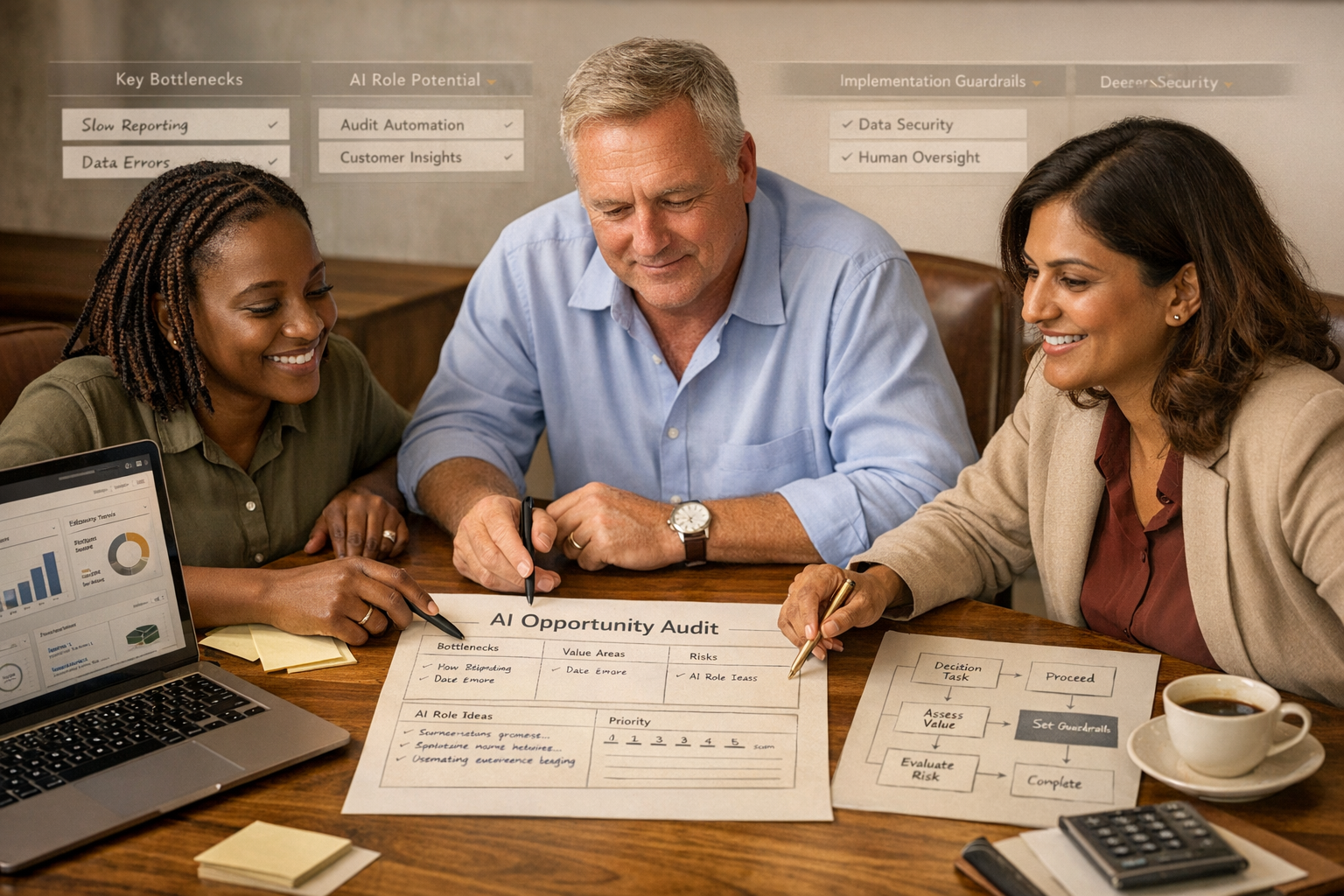
A paid AI Opportunity Audit helps separate practical first wins from risky ideas that need more governance, budget, or legal review.
Make staff part of the design
POPIA-safe AI is not only a technical issue. It is also an adoption issue.
Staff need to understand:
- what the AI employee does
- what it does not do
- which data it uses
- when it asks for approval
- how to correct it
- how to report a concern
- who owns the workflow internally
This reduces fear and improves quality. People are more likely to help train a system when it is presented as support, not as a secret attempt to replace them.
BizSage’s moral centre is simple: AI should help overloaded teams get time, control, and breathing room back. Safe workflow design is part of that promise.
A simple POPIA-safe AI workflow checklist
Before launching an AI employee, work through this checklist:
- The workflow has a clear business owner.
- The job description is narrow and practical.
- The personal information involved is mapped.
- The AI has minimum necessary access.
- Sensitive actions require human approval.
- Escalation rules are written before launch.
- Approved knowledge sources are defined.
- The AI is told not to guess outside scope.
- Outputs are logged where appropriate.
- Staff know how to review, correct, and escalate.
- Monthly review is scheduled.
- The workflow creates real customer or staff value.
If several of those are missing, the business is probably not ready to automate that workflow yet.
What BizSage looks for in an audit
During an AI Opportunity Audit, BizSage looks for workflows that can create capacity without creating uncontrolled risk.
We check:
- repetitive work volume
- staff time lost
- customer impact
- data sources
- system access
- approval requirements
- escalation needs
- compliance sensitivity
- likely ROI
- ease of implementation
- internal ownership
The best first AI employee is rarely the flashiest idea. It is the one that relieves a real bottleneck, can be governed properly, and gives the business confidence to expand safely.
The bottom line
South African businesses do not need to choose between “no AI” and “reckless AI”. There is a practical middle path.
Start with a narrow workflow. Use only the information needed. Keep sensitive decisions with humans. Log what happens. Review failures. Improve monthly.
That is how AI becomes a trustworthy employee inside the business, not a risky experiment.
If you want to identify the safest, highest-value first AI workflow for your business, start with the BizSage AI Opportunity Audit.
FAQs
Can South African businesses use AI under POPIA?
Yes, but the workflow must be designed carefully. The business should know what personal information is used, why it is needed, where it is stored, who can access it, and which actions require human approval.
What is a human-in-the-loop AI workflow?
A human-in-the-loop workflow means the AI can draft, summarise, classify, route, or recommend, but a responsible person reviews or approves sensitive actions before they are sent or applied.
Which AI workflows need extra caution?
Extra caution is needed for workflows involving legal, medical, financial, employment, credit, insurance, sensitive customer data, or any decision that could materially affect a person.